Lecture to notes
Turn any lecture into study notes and a quiz.
Stop rewatching a two-hour recording to find one explanation. Upload it once and Nuqtafy gives you notes, explanations, and a quiz you can study from.
Upload almost any lecture format
Audio recordings, video lectures, screen recordings, and PDFs all work. You can attach slides or handouts alongside a recording to improve note quality.
For online classes, the Nuqtafy Recorder Chrome extension records straight from the browser and sends the lecture to your account.
What you get from one lecture
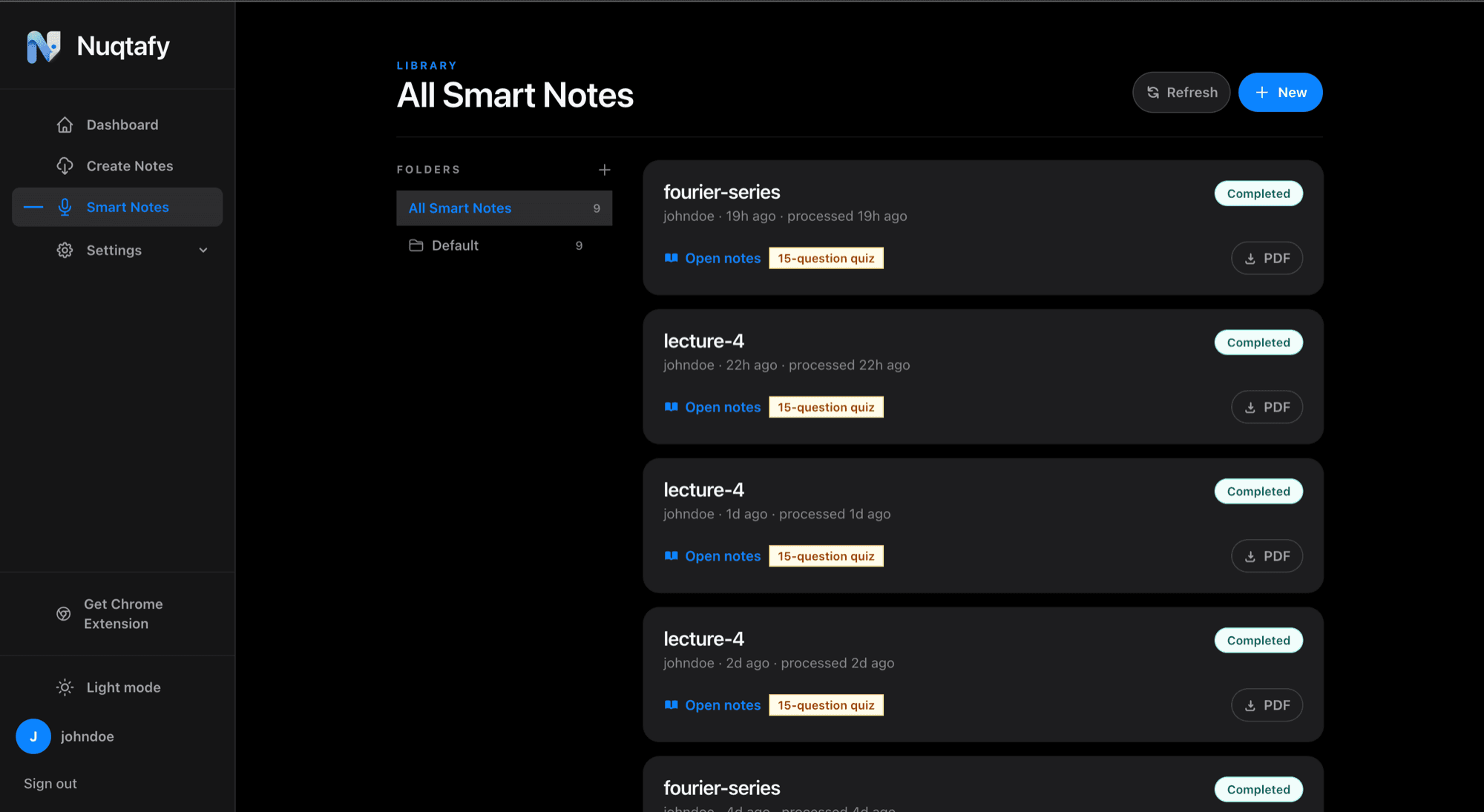
Structured notes with headings, tables, and typeset math. Plain-language explanations for the parts that are hard to follow. An auto-generated quiz with instant feedback and a topic-by-topic list of what to review.
Everything downloads as a PDF for offline revision.
How AI lecture notes differ from a transcript
A transcript records every word, including the repetition, the tangents, and the jokes. Study notes keep the ideas. Nuqtafy groups what was said into topics with headings, pulls out definitions, tables, and equations, and leaves out the filler, so the result is something you can revise from instead of something you have to read through.
Because the quiz is generated from the same lecture, you can test yourself on exactly what was taught, not on a generic question bank.
Keep every lecture organized
Processed lectures live in a library with folders, so notes for each course stay together and are easy to find before exams.
Works in the languages students actually use
Lectures can be in English, Urdu, or a mix of both. You then choose whether the notes come out in English, Urdu, or Roman Urdu. See the pages on Urdu lecture notes and the Roman Urdu notes generator for details.
How it works
- Upload a recording or PDF, or record with the Chrome extension.
- Nuqtafy processes it in a few minutes.
- Study the notes, take the quiz, and download the PDF.
Common questions
- What file types can I upload?
- Lecture audio, video, screen recordings, and PDFs. Slides or handouts can be attached to a recording.
- Does it work for online classes?
- Yes. Upload the class recording, or record it with the Chrome extension.
- How is this different from a transcript?
- A transcript is every word spoken. Nuqtafy produces structured study notes, explanations, and a quiz, so you study the ideas rather than read the whole recording.
- Is my data private?
- Your recordings and notes live in your account and are not shared with other users. Read the privacy policy for full details.