Urdu lecture notes
Urdu lecture notes, written for you by AI.
Most note tools assume the lecture is in English. Nuqtafy understands Urdu lectures, including the Urdu and English mix teachers use in real classrooms, and turns them into clean notes you can revise from.
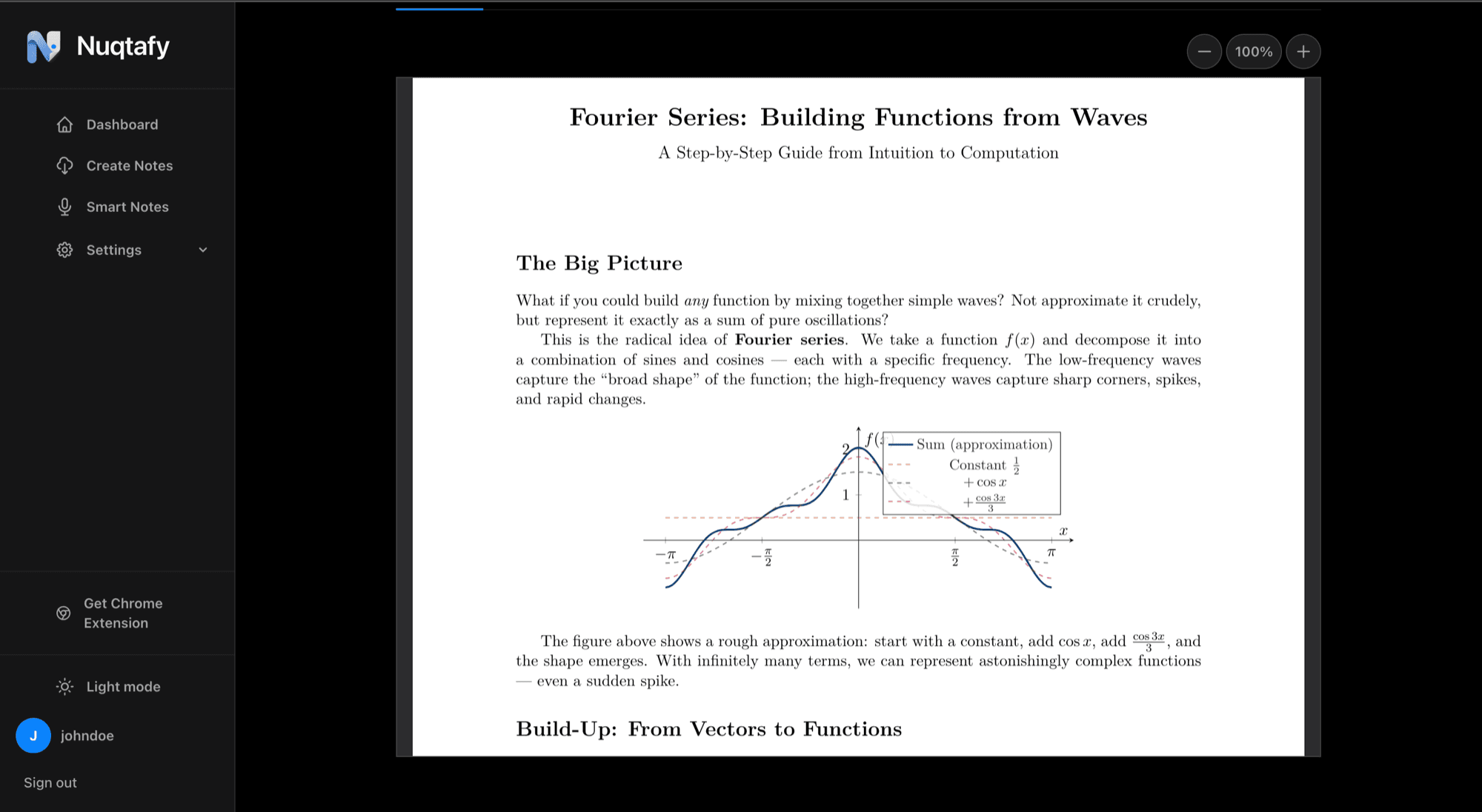
Built for how Urdu lectures actually sound
A university lecture in Pakistan rarely stays in one language. The explanation is in Urdu, the technical terms are in English, and a formula or two gets said out loud in both. Plain transcription tools stumble on this.
Nuqtafy follows the switches naturally, so a sentence that starts in Urdu and ends with an English term still lands in your notes as one clear point.
Choose the language of your notes
The lecture language and the notes language are separate choices. Upload an Urdu or mixed lecture, then ask for notes in Urdu, Roman Urdu, or English, whichever you revise fastest in.
Notes come out structured, with headings, tables, and proper math, not a wall of transcript.
Why a transcript is not enough for revision
A raw transcript of a two-hour lecture is hard to study from. It repeats itself, wanders, and buries the three ideas your exam will ask about. Nuqtafy turns the recording into notes organized by topic, so you can scan the structure first and read the detail only where you need it.
Attach the slides or handout that came with the lecture and the notes follow the same order and terminology your teacher used, which makes them easier to match against the course outline.
Who uses Urdu lecture notes
Students recording classes they struggle to follow live, students who missed a lecture and got the recording from a classmate, and students who simply learn better from a written summary than from rewatching a video.
It suits any subject taught in Urdu or in the Urdu and English mix, from engineering and computer science to business and the sciences, as long as the lecture is recorded clearly.
More than notes
Each lecture also gets plain-language explanations of the hard parts and an auto-generated quiz with instant feedback. Your score shows which topics to review next. Everything can be downloaded as a PDF.
Processed lectures are kept in a library with folders, so every course has its notes in one place when exams come around.
How it works
- Upload your lecture as audio, video, a screen recording, or a PDF.
- Pick the language you want your notes in.
- Read the notes, take the quiz, and download the PDF.
Common questions
- Does Nuqtafy work with Urdu lectures?
- Yes. Lectures in Urdu, English, or a mix of both are supported, including Roman Urdu.
- Can I get the notes in English from an Urdu lecture?
- Yes. You choose the notes language separately: Urdu, Roman Urdu, or English.
- Can I add my slides?
- Yes. You can attach slides or handouts alongside a recording to improve the quality of the notes.
- Is it free to try?
- Your first lecture is free, so you can see the notes and quiz before deciding anything.